

How to take and submit a photo of your work for the QRAA
A guide to photographing your artwork so it looks its best for the judges.
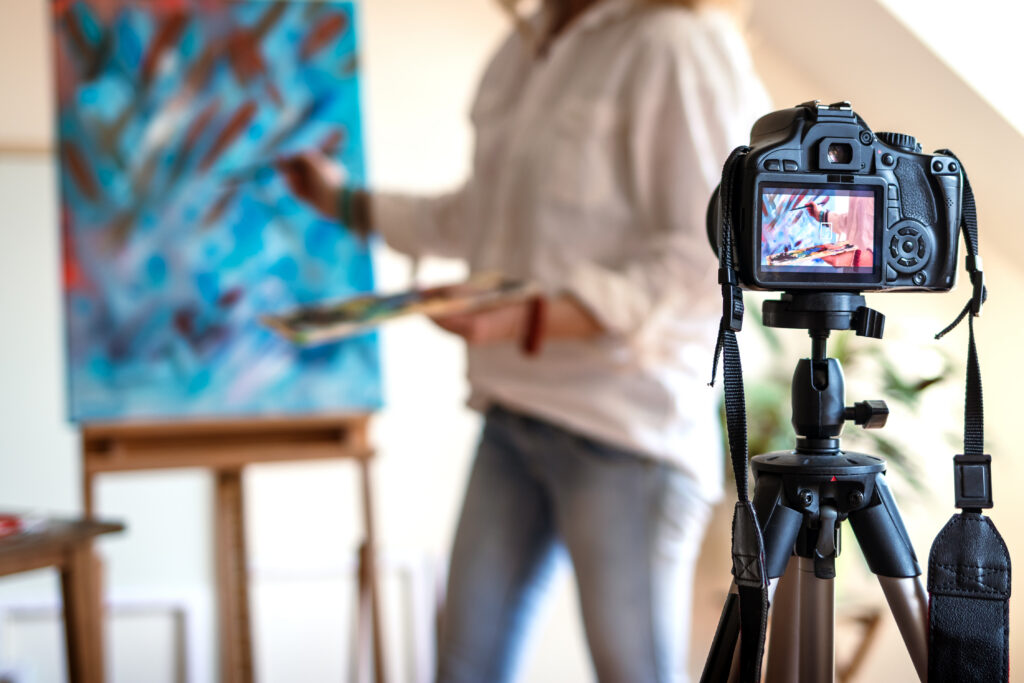
An important part of entering the Queensland Regional Art Awards (QRAA) is submitting a high quality, digital photo (or photos) of your artwork for the judges to see. You do not need a professional camera or professional lighting, provided the photo captures a faithful, clear impression of your artwork.
Why is it so important to get good photos of my work? Don’t the judges see it in person?
Not always. The initial judging phase is often done remotely, with judges in different regional and remote parts of Queensland. Put your best foot forward with clear, well-lit photos. If your artwork is selected for the QRAA, it may also be used on Flying Arts’ social media.
What else should be in the photo apart from my artwork?
As little as possible. It’s best not to show what is around the artwork — your studio, your easel, even yourself — as this detracts from the view of your artwork. For framed 2D works, judges don’t need to see the frame unless it’s essential to the work.
How many photos can I submit with my QRAA entry?
For 2D works, you can submit one photo per entry. For 3D works, you can submit up to two photos per entry.
What size should my photo(s) be?
Please submit photos no smaller than 1748 × 2480 pixels (approximately A4 size at 300dpi), around 1MB in size.
How should I name my image files?
Name the file using your name and the artwork title as listed in the entry form, e.g. ArtistName_ArtworkTitle.jpg — for example, KevinBacon_CloncurryHouse.jpg.
What if I don’t have a digital camera?
You don’t need one — photos from your phone are fine, provided they are clear, well-lit and sized correctly.
What if my artwork is glazed, or I keep getting a reflection or unwanted shadows?
There are many how-to videos and websites with advice on minimising glare and shadows. If you are going to glaze your artwork, try to shoot it before you glaze it.
What if my work is a large installation, or comprises several parts or pieces?
For 3D works, submit two photos: one showing the whole work (or as much of it as possible), and one showing a detail so judges can see it close up.
What is the requirement for digital works and videos?
Please submit a still image instead of a photo, along with a link or URL to the full work that the judges can access.
Can I submit photos taken by a professional photographer?
Of course — there is space in the application form to list the photographer’s name, in case your photo is used in association with the QRAA.
Do
- Use a clear, evenly lit photo of your artwork (front-on is great if you can manage it)
- Submit a long-shot and a close-up/detail for larger, 3D works and installations
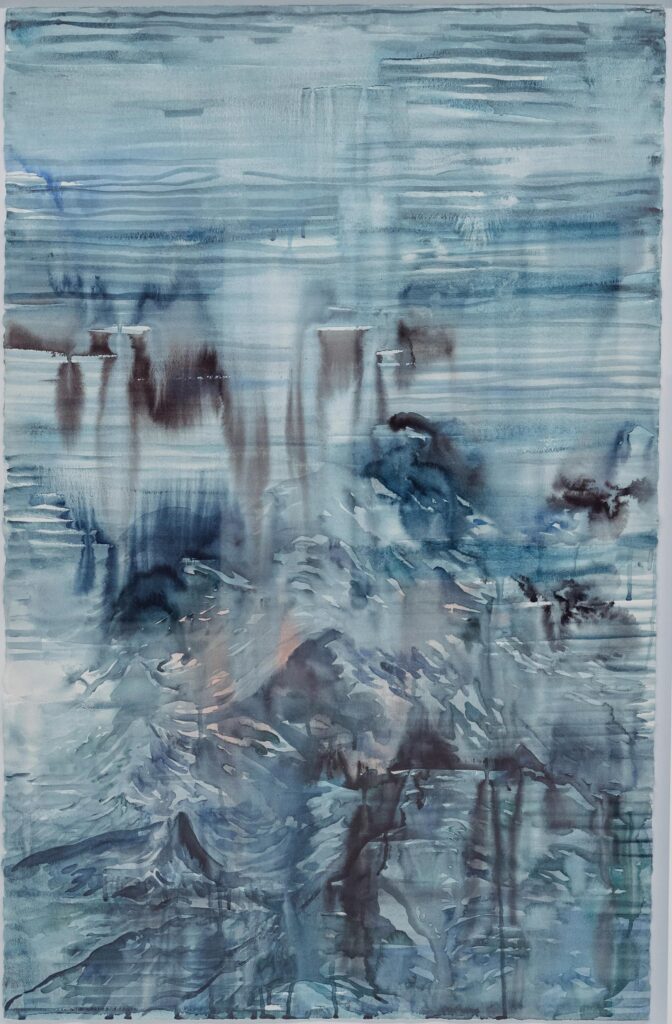
Good example: an evenly lit, front-on photo of a 2D artwork
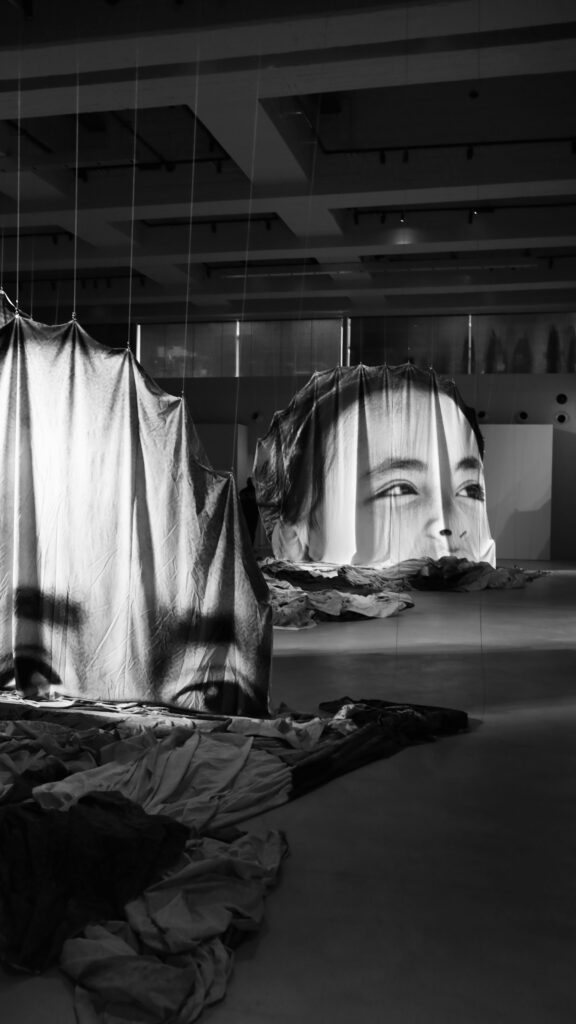
Good example: a long-shot photo of a 3D artwork
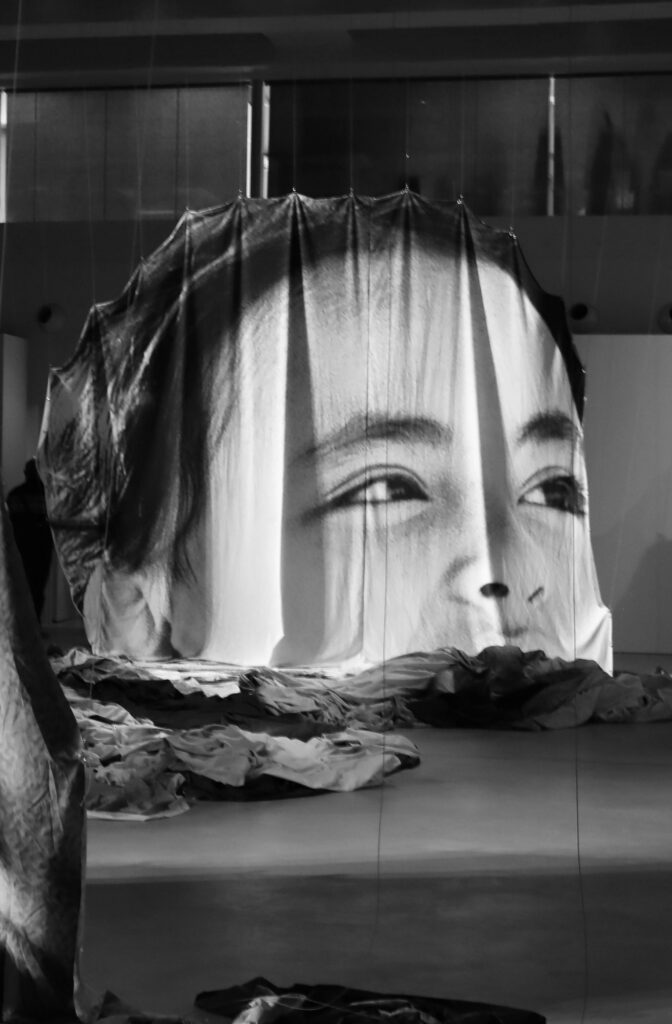
Good example: a close-up detail photo of a 3D artwork
Avoid
- Shadows which obscure the surface of the work
- “Scenes” of your work surrounded by other works, furniture, etc.
- Strong reflections on the surface of the work
- Low quality or blurry photos
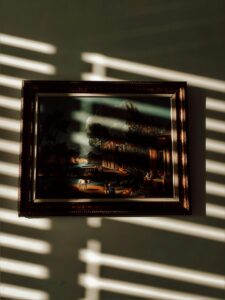
Example to avoid: harsh shadows from blinds obscuring a framed artwork
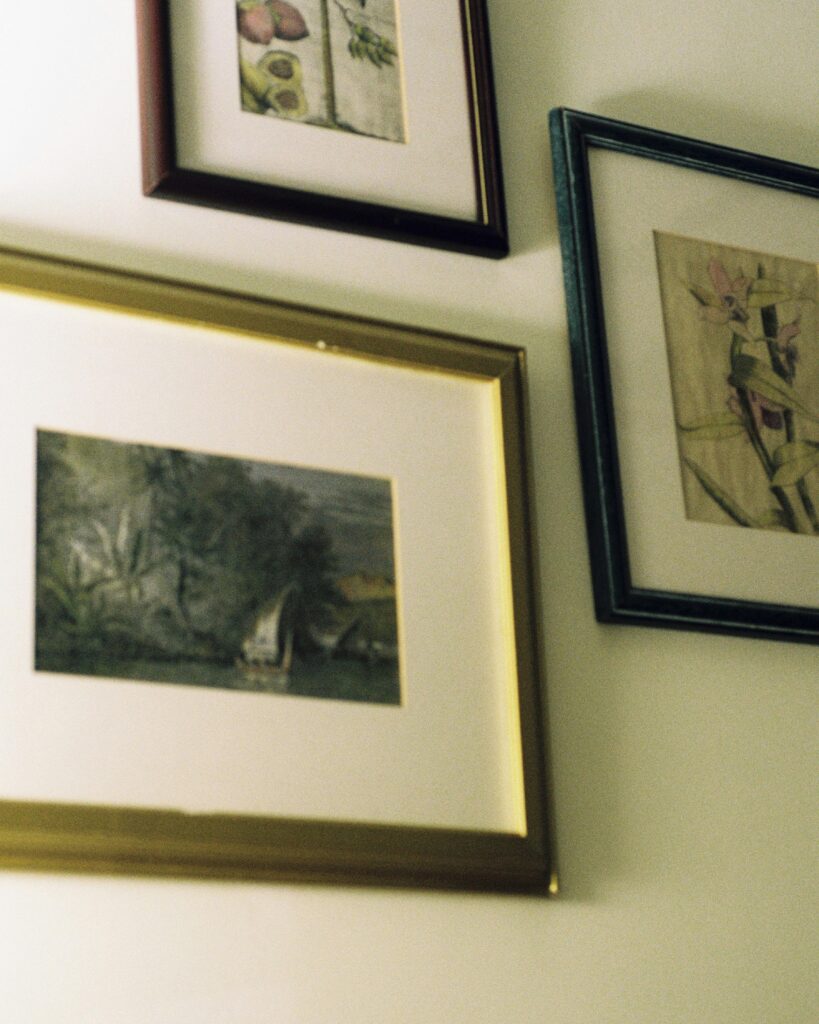
Example to avoid: strong glare and reflections on framed artworks hung on a wall
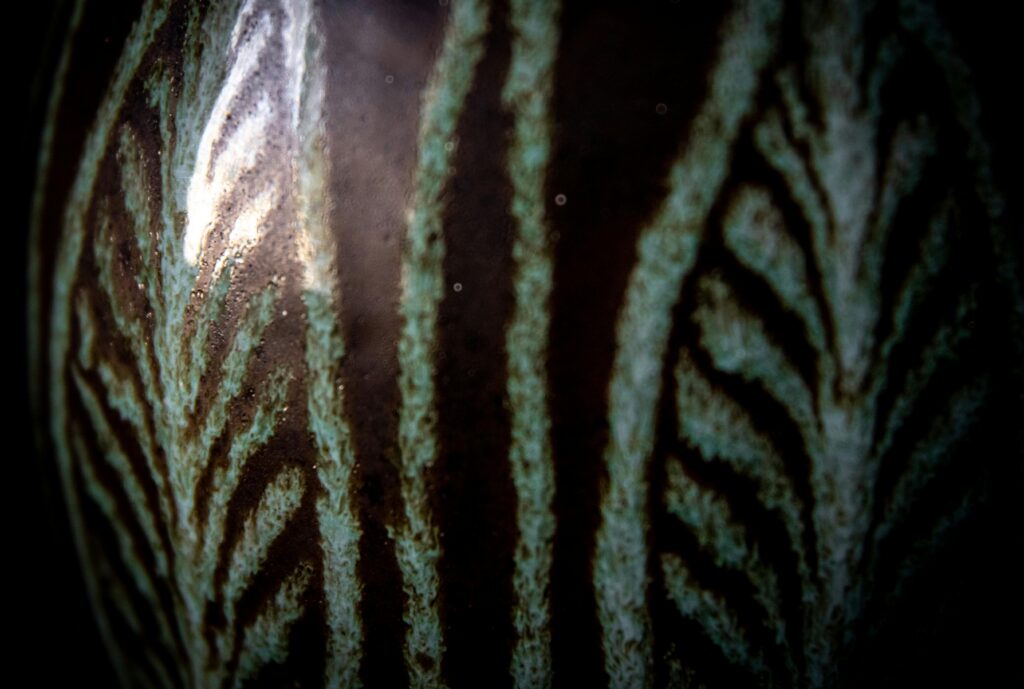
Example to avoid: low quality, overly close and distorted photo of an artwork surface